Ingesting MacOS Unified Logs
You can enable real-time MacOS Unified Logs (MUL) ingestion using the LimaCharlie EDR Sensor.
First, navigate to the Exfil Control section of LimaCharlie and ensure that MUL events are enabled for your Mac rules.
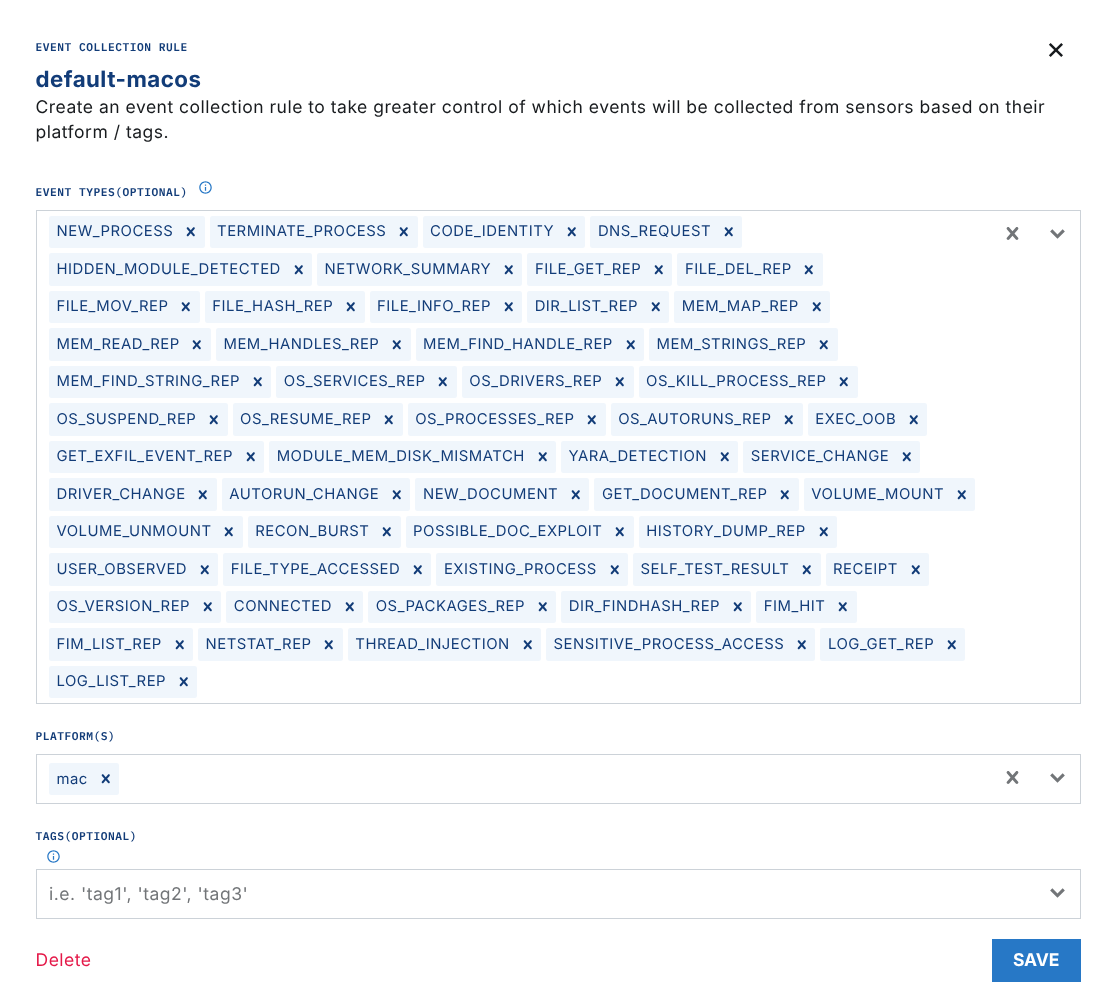
Next, navigate to the Artifact Collection section and set up an artifact collection rule for the MacOS Unified Log(s) of interest.
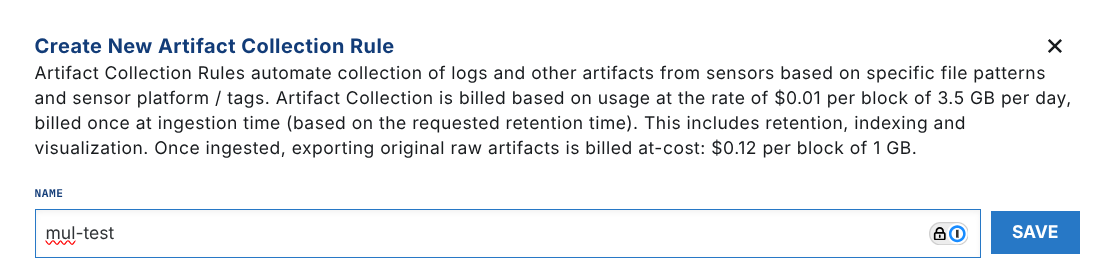
To ingest MUL real-time events in the timeline, use the mul://[Predicate] format, where the predicate is a standard MacOS MUL predicate. For example, to ingest the Safari logs, you'd use the following pattern:
mul://process == "Safari"
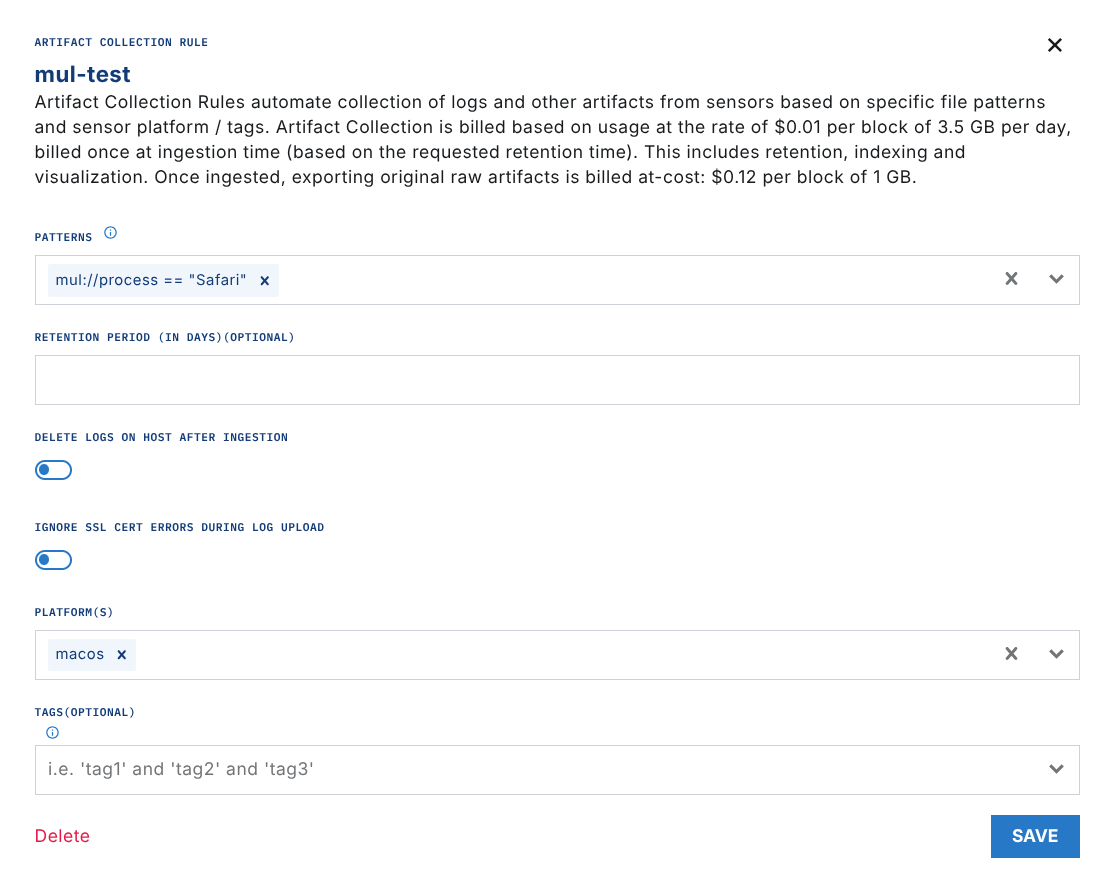
If you ingest MacOS Unified Logs with a mul:// pattern, they are streamed in real-time as first-class telemetry alongside the native EDR events, and are included in the flat rate price of the sensor.
After you apply those, you should start seeing your MacOS Unified Logs data coming through for your endpoints within 10 minutes. You can verify this by going into the Timeline view and choosing MUL event type.
Endpoint Detection & Response
Similar to agents, Sensors send telemetry to the LimaCharlie platform in the form of EDR telemetry or forwarded logs. Sensors are offered as a scalable, serverless solution for securely connecting endpoints of an organization to the cloud.
In LimaCharlie, Exfil (Event Collection) is a configuration extension that determines which types of events are collected and sent from endpoint agents to the cloud. It controls the data flow, ensuring only specified events are transmitted for monitoring and analysis. To capture specific events, they must be enabled within the Exfil or Event Collection settings.