Soteria AWS Rules
Soteria's AWS ruleset provides coverage across multiple AWS telemetry streams, including:
Data Access
Please note that Soteria won't get access to your data, and you won't be able to see or edit their rules - LimaCharlie acts as a broker between the two parties.
To leverage detection logic provided by the ruleset:
- Subscribe your tenant to the Soteria AWS ruleset extension.
- Subscribe your tenant to tor lookup (provided at no cost).
- Configure AWS CloudTrail and AWS GuardDuty adapters to start collecting AWS audit logs.
Enabling Soteria's AWS Rules
Soteria's AWS rules can be activated via two means.
Activating via the Web UI
To enable Soteria's AWS ruleset, navigate to the Extensions section of the Add-On Marketplace and search for Soteria. You can also directly select soteria-rules-aws.
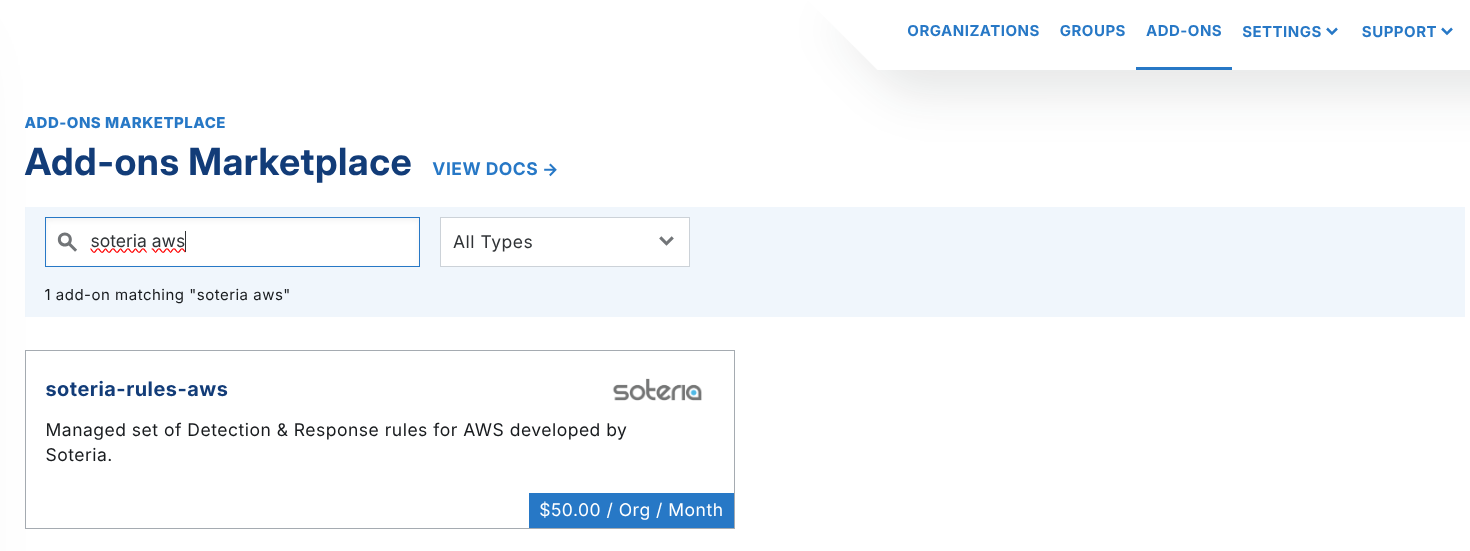
Please note: Pricing may reflect when the screenshot was taken, not the actual pricing
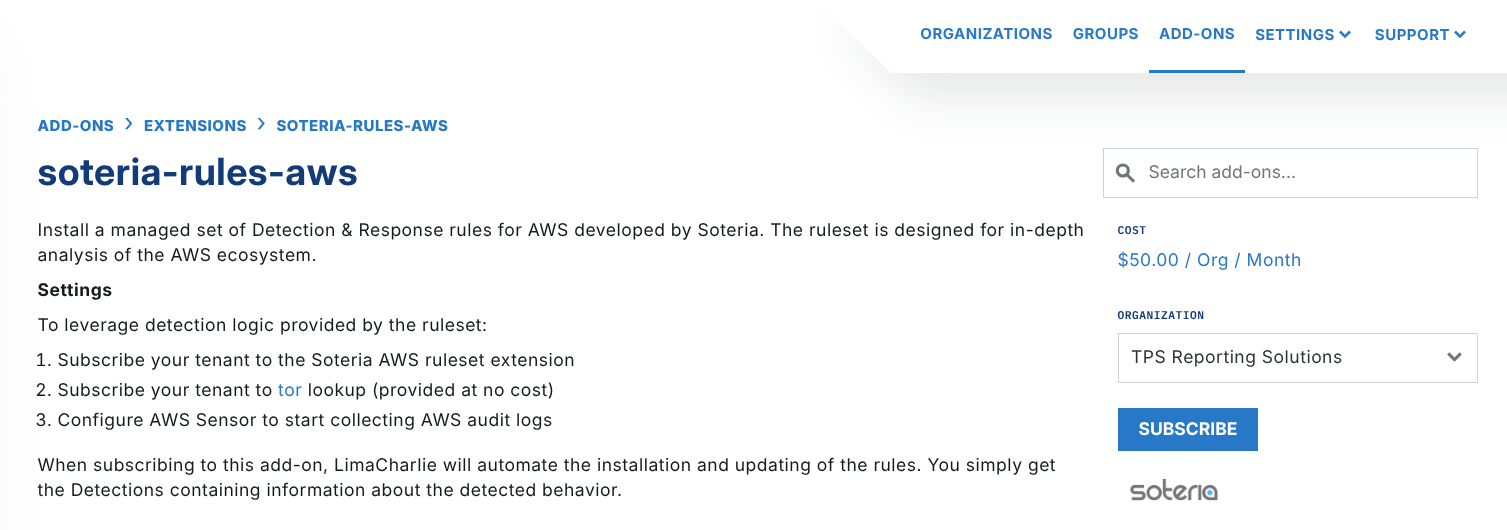
Under the Organization dropdown, select a tenant (organization) you want to subscribe to soteria-rules-aws and click Subscribe.
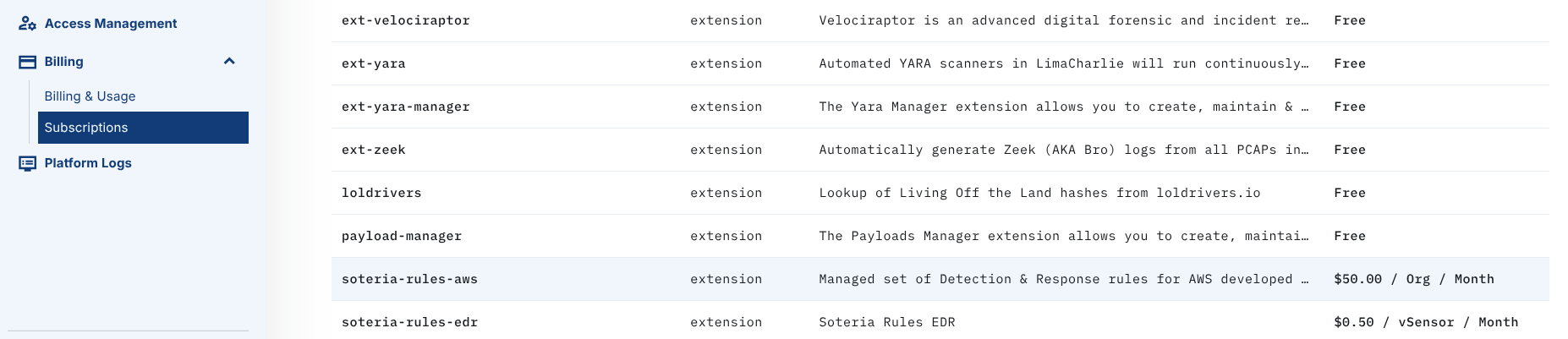
You can also manage add-ons from the Subscriptions menu under Billing.
Infrastructure as Code
Alternatively, to manage tenants and LimaCharlie functionality at scale, you can leverage our Infrastructure as Code functionality.
In LimaCharlie, an Organization represents a tenant within the SecOps Cloud Platform, providing a self-contained environment to manage security data, configurations, and assets independently. Each Organization has its own sensors, detection rules, data sources, and outputs, offering complete control over security operations. This structure enables flexible, multi-tenant setups, ideal for managed security providers or enterprises managing multiple departments or clients.